
Know what happened on every site, without spending the night on paperwork.
Patrols, incidents, and schedules in one place. Guards use a simple phone app. You get client-ready reports, and your evenings back.
No credit card required.

Patrols, incidents, and schedules in one place. Guards use a simple phone app. You get client-ready reports, and your evenings back.
No credit card required.
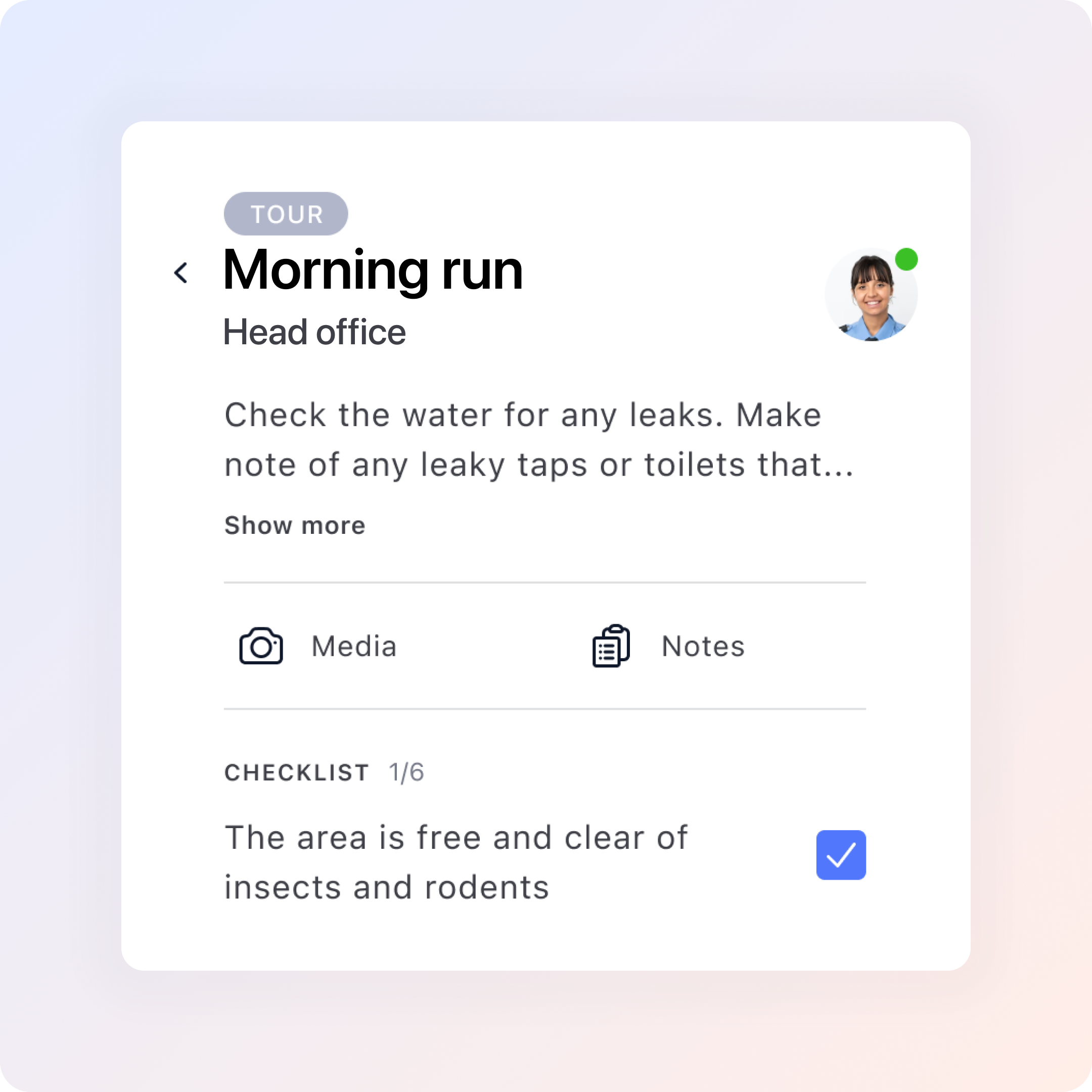
They open the phone, see the tour, hit the checkpoints, and move on. QR, NFC, or GPS, whatever you already use. Every stop is logged automatically, so you can see the work from the dashboard instead of chasing texts.
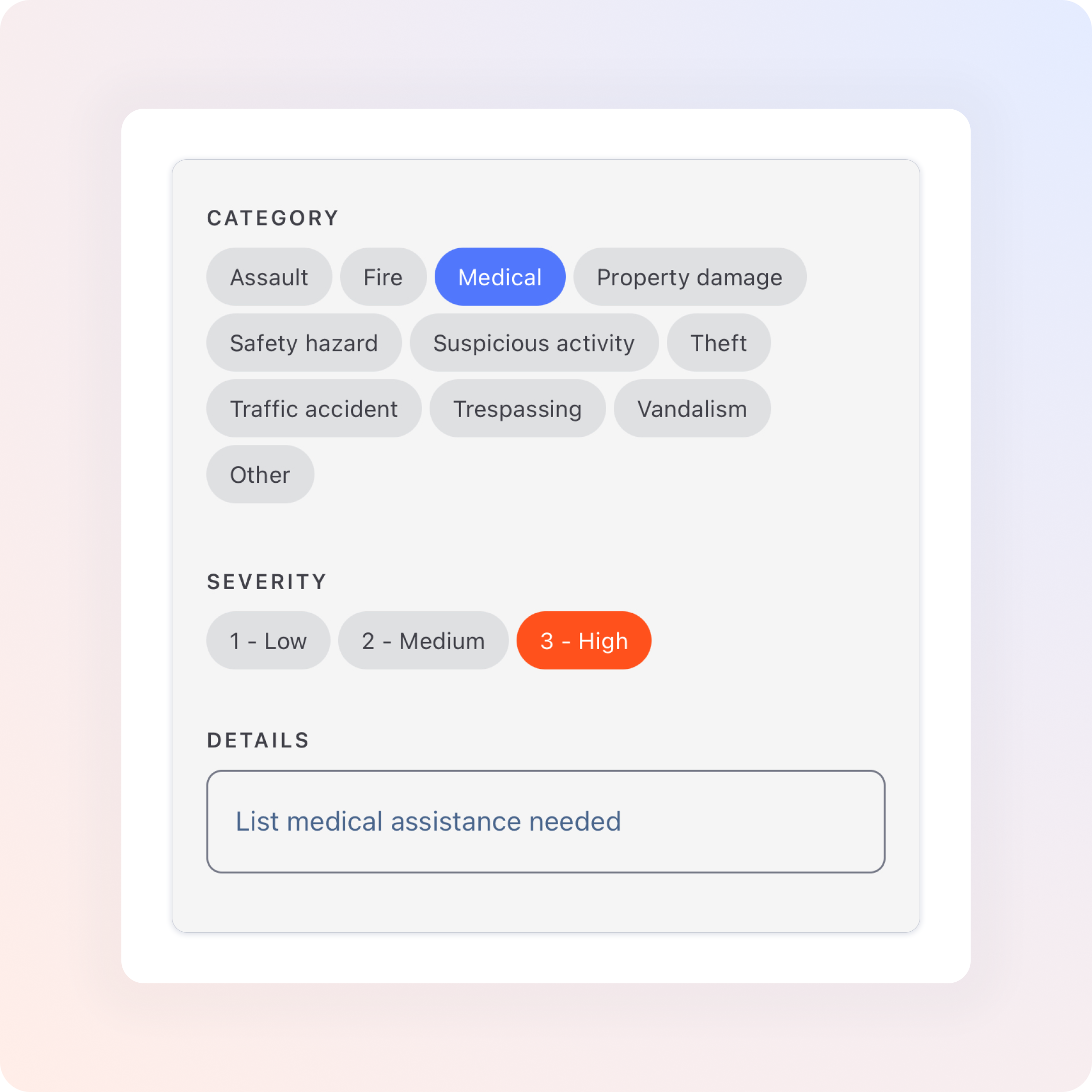
Guards add photos and notes in a short, guided form. Time and location are filled in for them. You get the report immediately, so you can respond faster and hand the client a clear account of what happened.
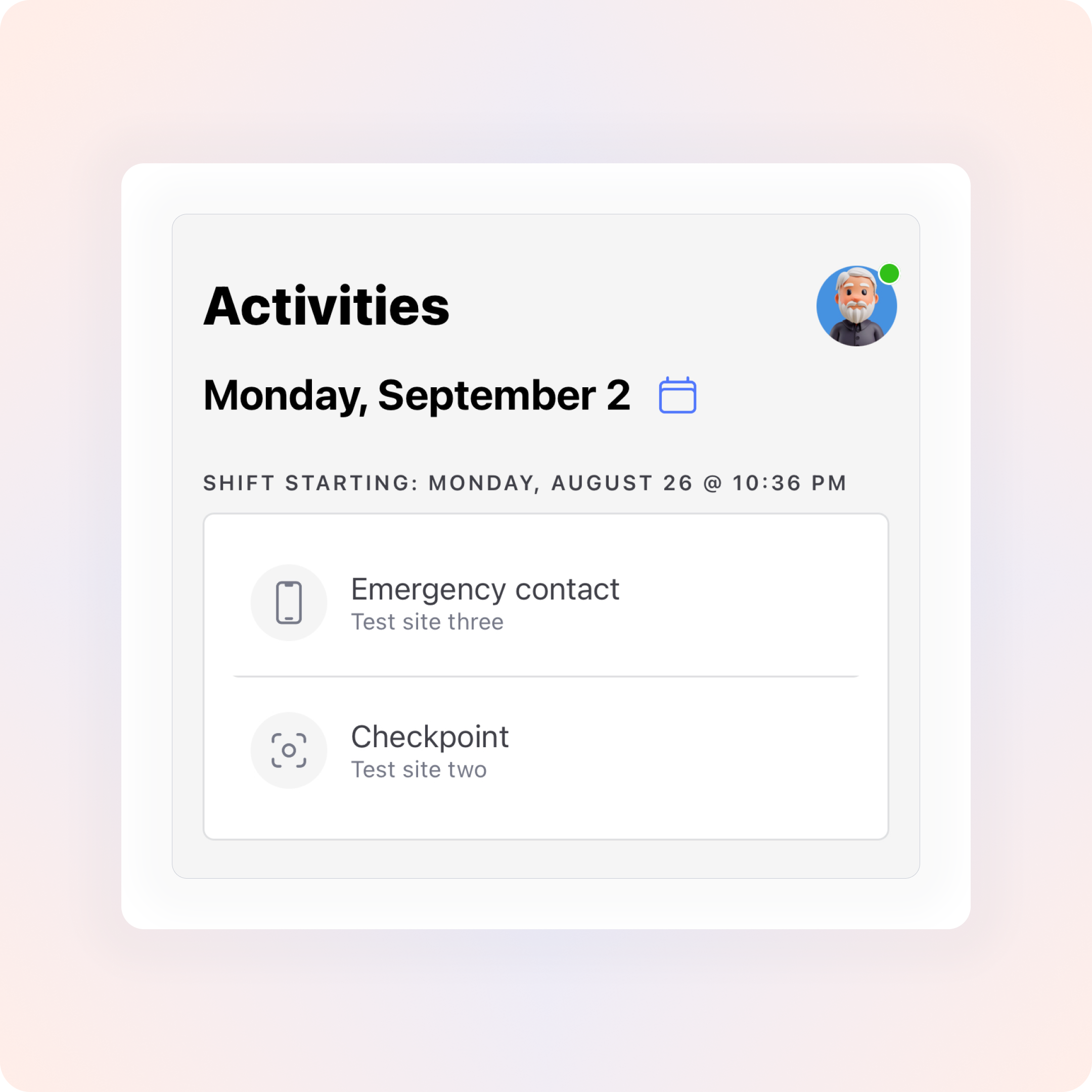
Activity, incidents, and patrol performance come out as a clean report you can pass to the client. The details are already in the system, so you are not rebuilding the night from memory and WhatsApp threads. No spreadsheets, no paperwork, no missed details.
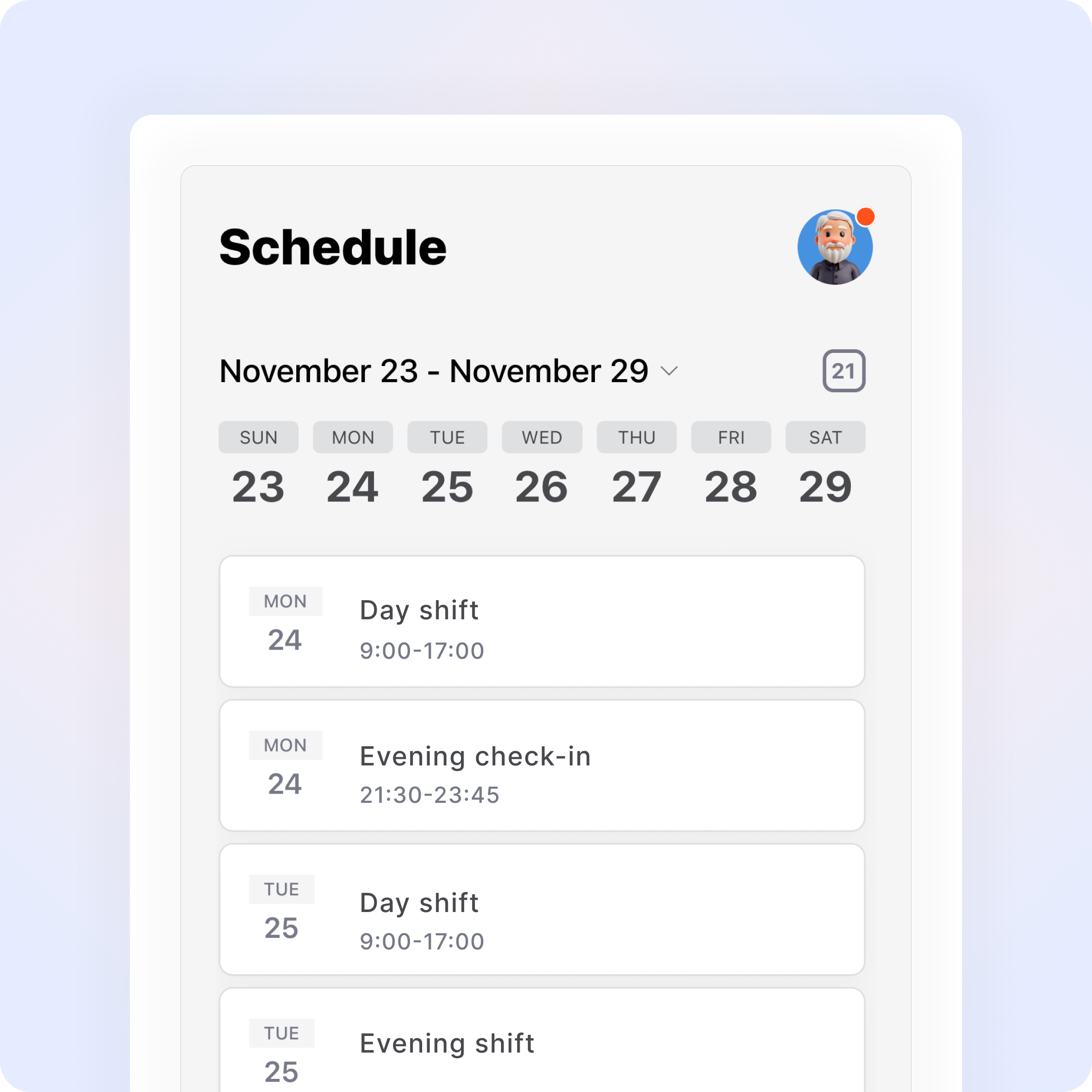
Set activities, checkpoints, and tours once, and copy the week forward. Guards clock in and follow the plan in the app, so they know what to do, and you know who is covering which site.
Most guard software is built for large enterprise operations, so it comes with the complexity and cost to match. Opspot is built for smaller teams that want the essentials done well.
Independent and contract security firms running from a handful of guards up to about a hundred. Get patrols, scheduling, and reporting in one place without the enterprise price tag or setup headache.
Property managers, facilities, and campuses running their own guards. Give your team a simple app they will actually use, and give yourself real visibility into what happens on site.
Free migration support
Most teams can get started with Opspot on their own in minutes. If you're switching from spreadsheets or another tool, we'll move your data across for free.
Tell us how your team works and we'll set up your account, sites, and users.
Coming from spreadsheets or another tool? We bring your sites, guards, and schedules across.
Even with a full migration, most teams are up and running within a week.
iOS, Android, or a mix of both. Same experience either way.


It is one place for patrols, incidents, schedules, and GPS tracking. Opspot is security guard management software for owner-run teams, from a handful of guards up to about a hundred, without enterprise complexity or cost.
Guards open the phone, see the tour, and hit checkpoints with QR, NFC, or GPS. Guard patrol software logs every stop automatically, so you can see the work from the dashboard instead of chasing texts.
Guards add photos and notes in a short form. Time and location are filled in for them. Incident reporting shows up immediately, so you can respond faster and hand the client a clear account of what happened. Incident management stays with the rest of the shift, not in a separate thread.
Yes. You set activities, checkpoints, and tours once, then copy the week forward. Guard scheduling lives in the same mobile guard app guards use to clock in and follow the plan.
A clean report of activity, incidents, and patrol performance that you can pass along in one click. Security reporting uses the details already in the system, so you are not rebuilding the night from memory. No spreadsheets, no paperwork, no missed details.
No credit card required. Set up a site, run a patrol, and file an incident. If you are coming from spreadsheets or another tool, we will move your data across for you.